
Logo

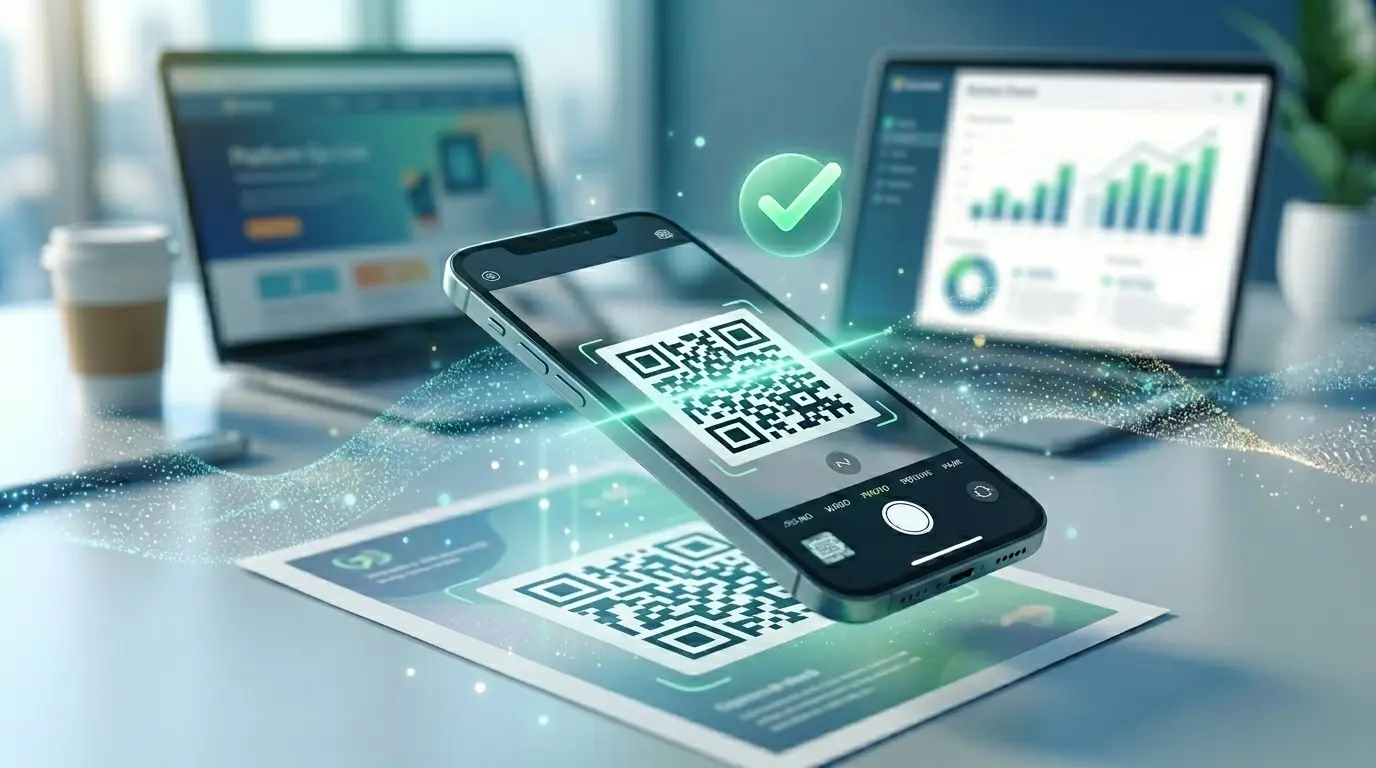
QR code for app downloads

One code for both platforms – automatic redirect to the Apple App Store or Google Play.

Create a free account

An app store QR code automatically detects whether the device runs iOS or Android when scanned and redirects straight to the right store. A single printed code is enough for both platforms – no more separate codes for iPhone and Android.

How it works

1

Add store links

Enter your App Store and Google Play links.

2

Customise the design

Choose colours to match your app branding.

3

Promote it

Place it on your website, a poster or in the app description.

Where an app store QR code helps

App launch

One code for the campaign instead of two separate links.

Shops & events

Visitors download the app right on the spot.

Packaging

A direct download link on product packaging or inserts.

Why an app store QR code from QRown

One code for both platforms

No separate print for iPhone and Android – the redirect happens automatically.

Campaign analytics

See how many scans led to iOS or Android to evaluate your marketing campaign.

Your own design

Colours and logo to match your app branding instead of a generic code.

Frequently asked questions

Does the code detect the operating system automatically?

Yes, iPhones are sent to the Apple App Store, Android devices to Google Play.

What happens on a desktop computer?

You can optionally set a web fallback page for that, such as a landing page for the app.

Do I need an account for this?

Yes, automatic device detection is a dynamic feature and requires a free account.

What if I only have one platform?

You can enter just one store link – devices on the other platform then land on the web fallback page, if configured.

Is detection 100% accurate?

Device detection is based on the browser's user agent and works reliably on all common mobile browsers.

Learn more

Ready for your own QR code?

Created in under a minute — right in your browser.

Create a free account All QR code types