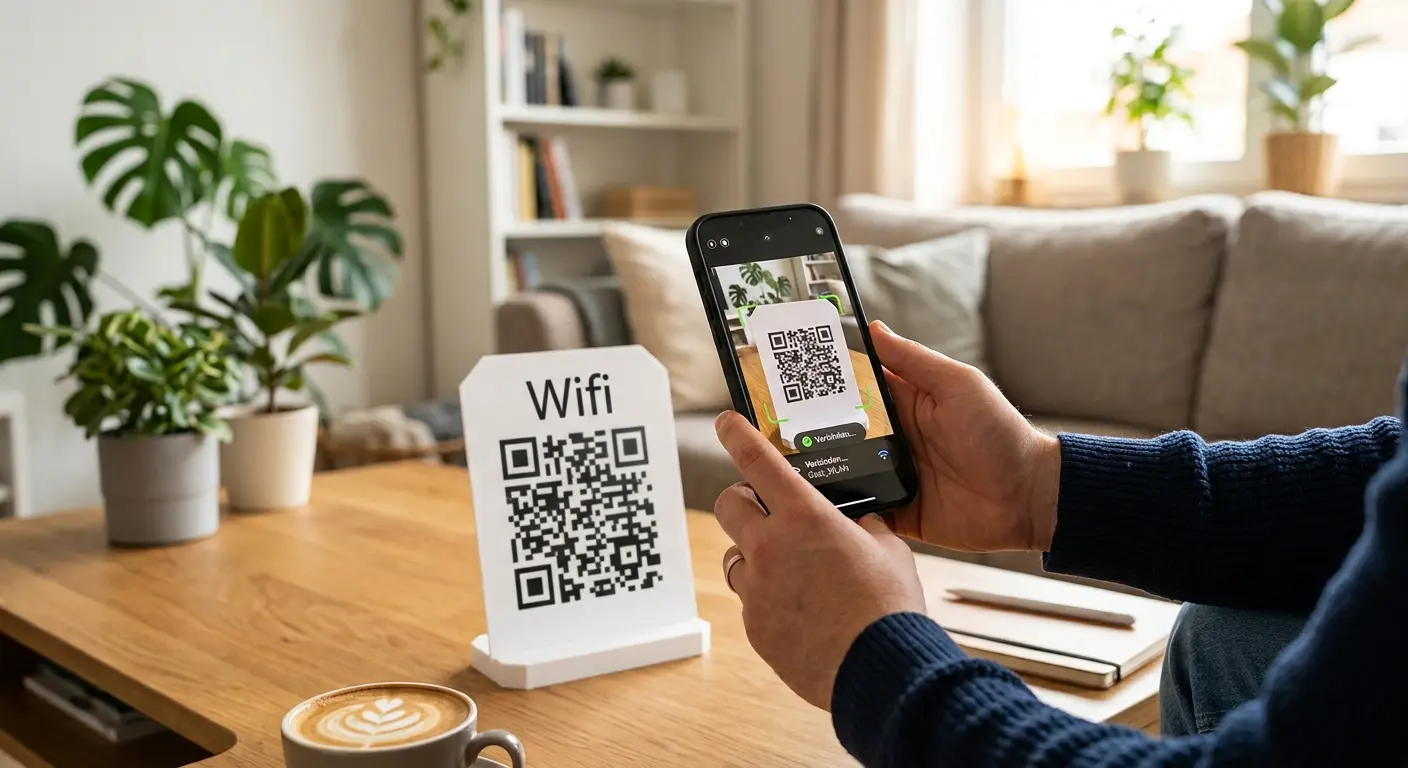

Guests connect with one scan – no typing or spelling out the password.
Create one now, freeNo sign-up, no credit card.
A WiFi QR code stores the network name (SSID), password and encryption type in a single code. Anyone who scans it with their phone camera is connected to the network straight away – no remembering passwords, no typos, no support effort for you.
Enter the SSID, password and encryption (e.g. WPA2).
Choose colours and style to match your café, hotel or office.
Download as PNG and place it on a table card or at reception, for example.
On the menu or table card – guests are online instantly.
No more note with an illegible password stuck to the router.
Give visitors WiFi access without asking at reception.
Static WiFi codes remain valid permanently – no time limit, no hidden costs.
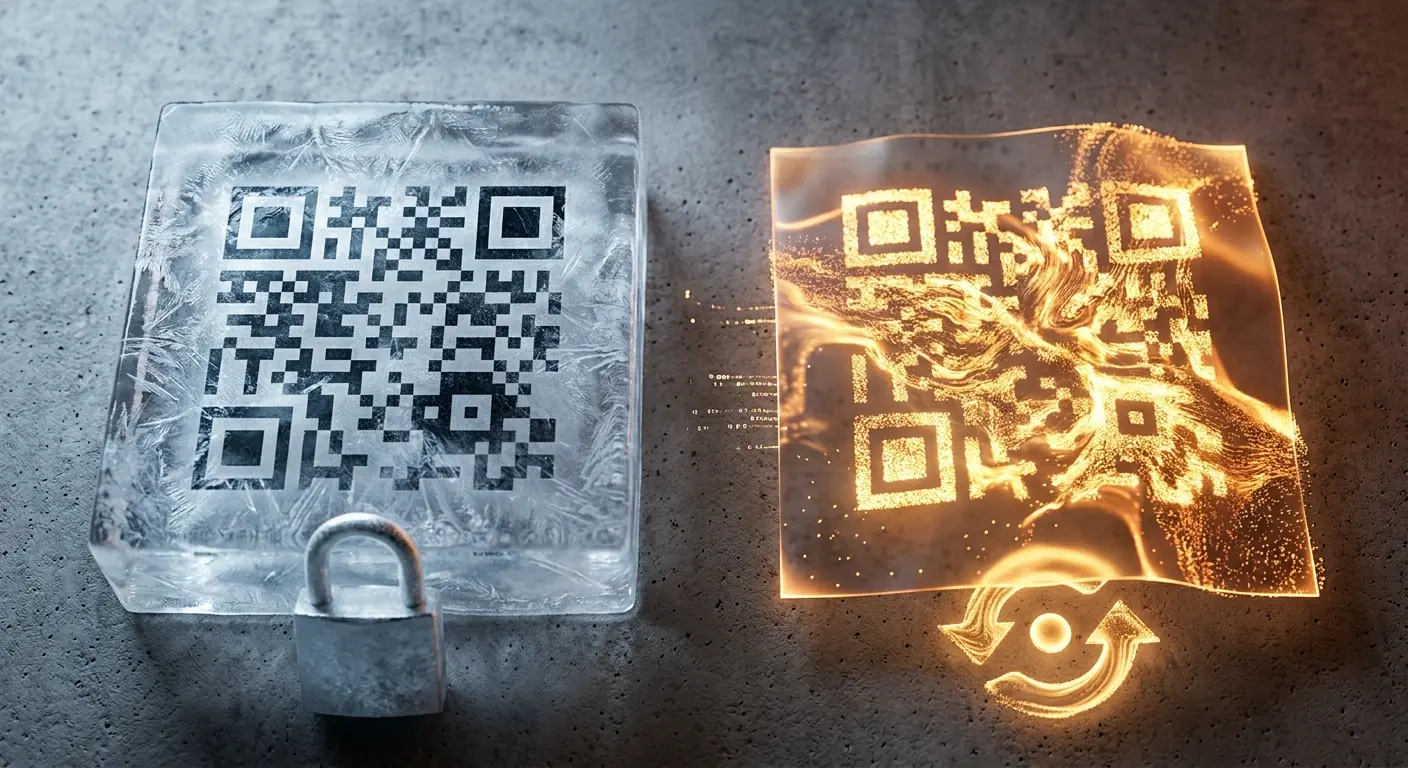
If you change your WiFi password, create a dynamic code with a free account and adjust it at any time – the printed code stays the same.
Choose colours and style to match your café, hotel or office – instead of a standard black-and-white pattern.
Yes. Current iPhone and Android cameras recognise WiFi QR codes automatically and offer to connect right away.
The password is stored encrypted in the QR code itself. It is not displayed in plain text anywhere unless the code is scanned.
With a static code, you would have to create a new one. For a WiFi password you may change, a dynamic code with a free account is recommended.
No. Every modern phone camera (iOS 11 and later, Android 8 and later) recognises QR codes automatically, without an extra app.
No, a static WiFi QR code is completely free at QRown, with no sign-up and no time limit.
We’ve all been there: A guest asks for the Wi-Fi password, you spell out a random string of uppercase and lowercase lett…
Do you want to create a QR code but aren’t sure whether you need a static or a dynamic one? In this article, you’ll lear…
If you use QR codes on flyers, business cards, posters, or packaging, you expect them to scan instantly and provide a se…
Created in under a minute — right in your browser.