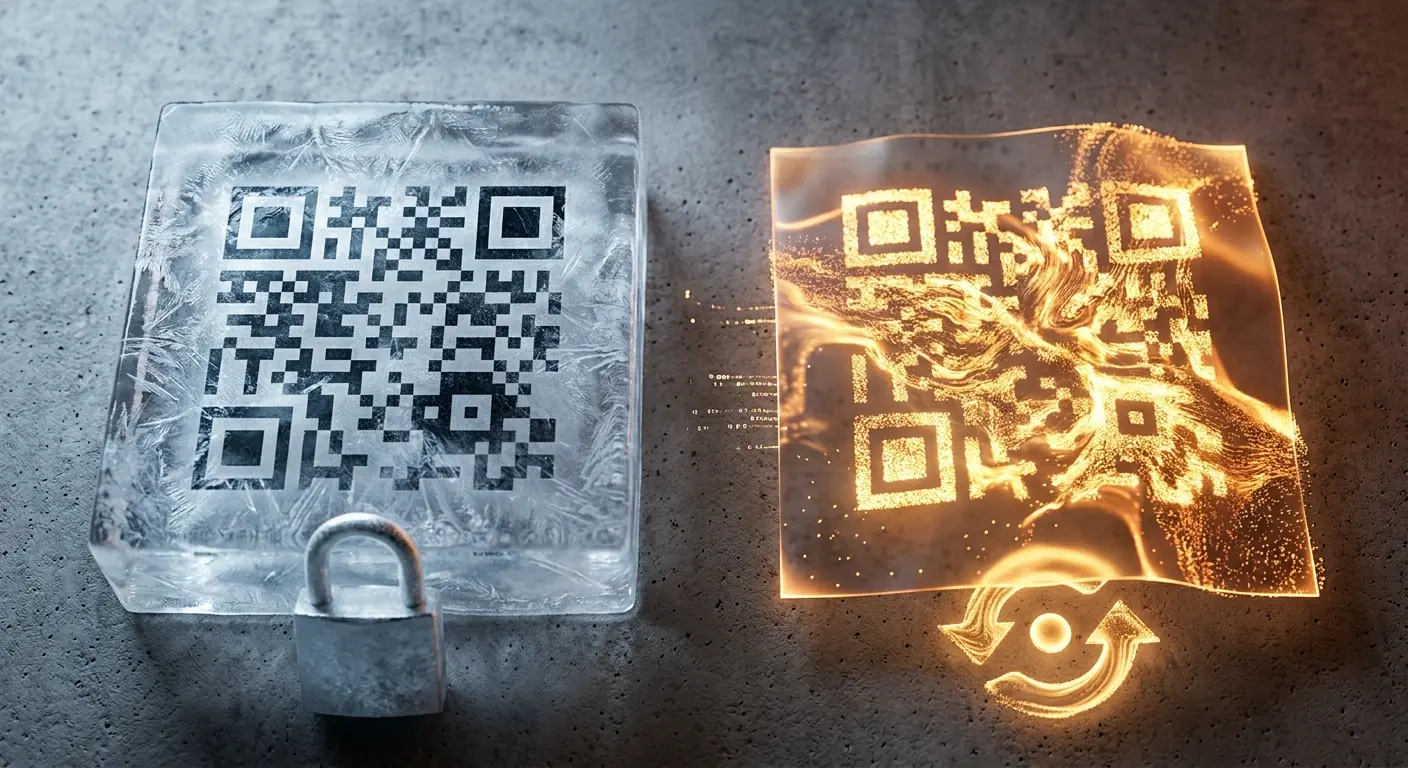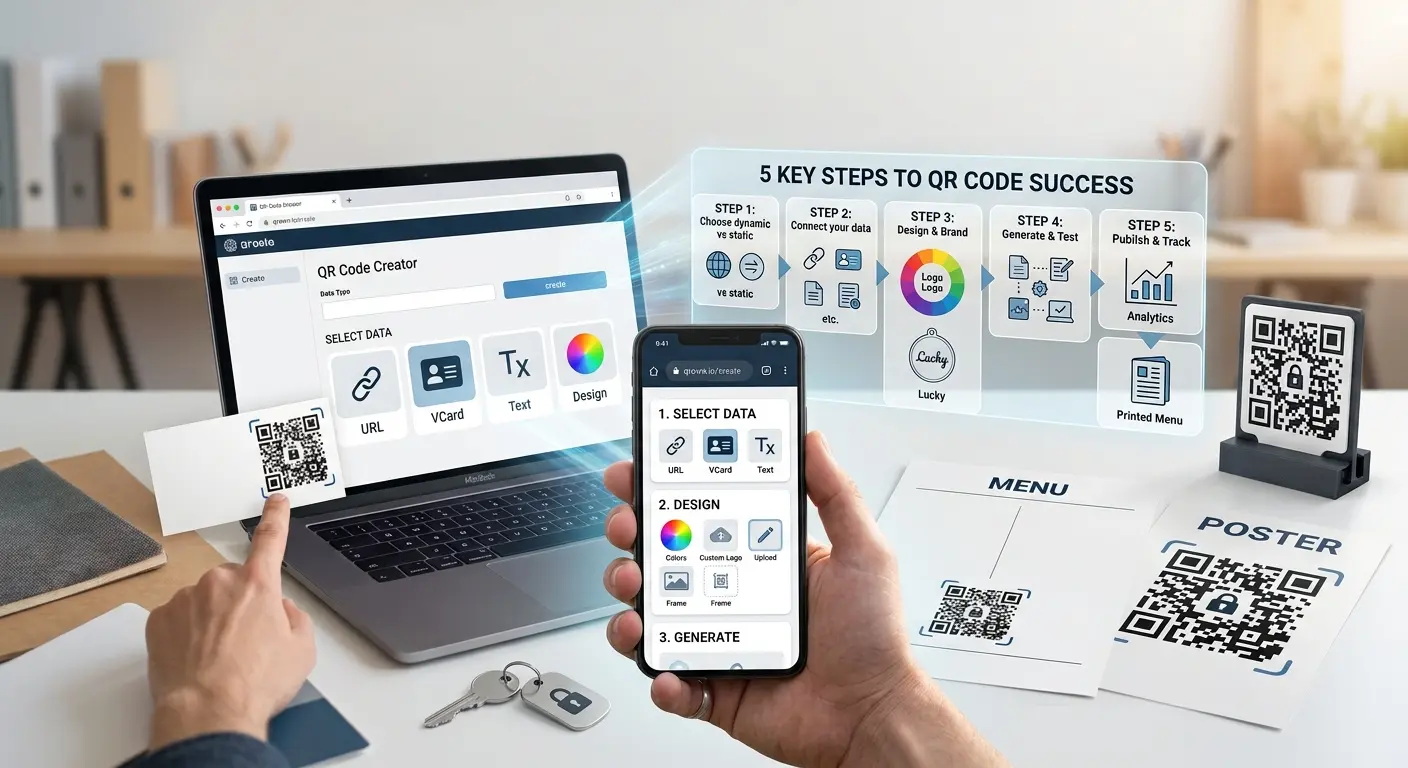

Make PDFs, menus or instructions available by scan – optionally password-protected.
Create a free accountA file upload QR code links to a file you upload directly to QRown – such as a PDF, a menu or a user manual. The code itself stays the same, even if you update the file later.
Upload a PDF, image or document directly to QRown.
Optionally set password protection and an expiry date.
Print the QR code or share it digitally – the file can be replaced at any time.
An up-to-date menu without reprinting after every change.
Instructions and data sheets available right on the product.
Provide forms to fill in and send back digitally.
Protect sensitive documents with a password and set when access ends automatically.
The QR code stays the same even if you update the file later – no reprint needed.
See how often and when your file was accessed.
You can upload PDFs, images and the most common document formats.
Yes, that is the advantage of this type: the QR code stays identical, and you can replace the file at any time.
Yes, file uploads are a dynamic feature and require a free account.
The maximum file size depends on your plan – you can find details in the plan overview.
After the expiry date, the QR code shows a notice page instead of the file – the file itself remains in your account and can be reactivated.
Do you want to create a QR code but aren’t sure whether you need a static or a dynamic one? In this article, you’ll lear…
If you use QR codes on flyers, business cards, posters, or packaging, you expect them to scan instantly and provide a se…
Creating a QR code takes less than five minutes — creating a QR code that scans reliably and delivers measurable results…
Created in under a minute — right in your browser.