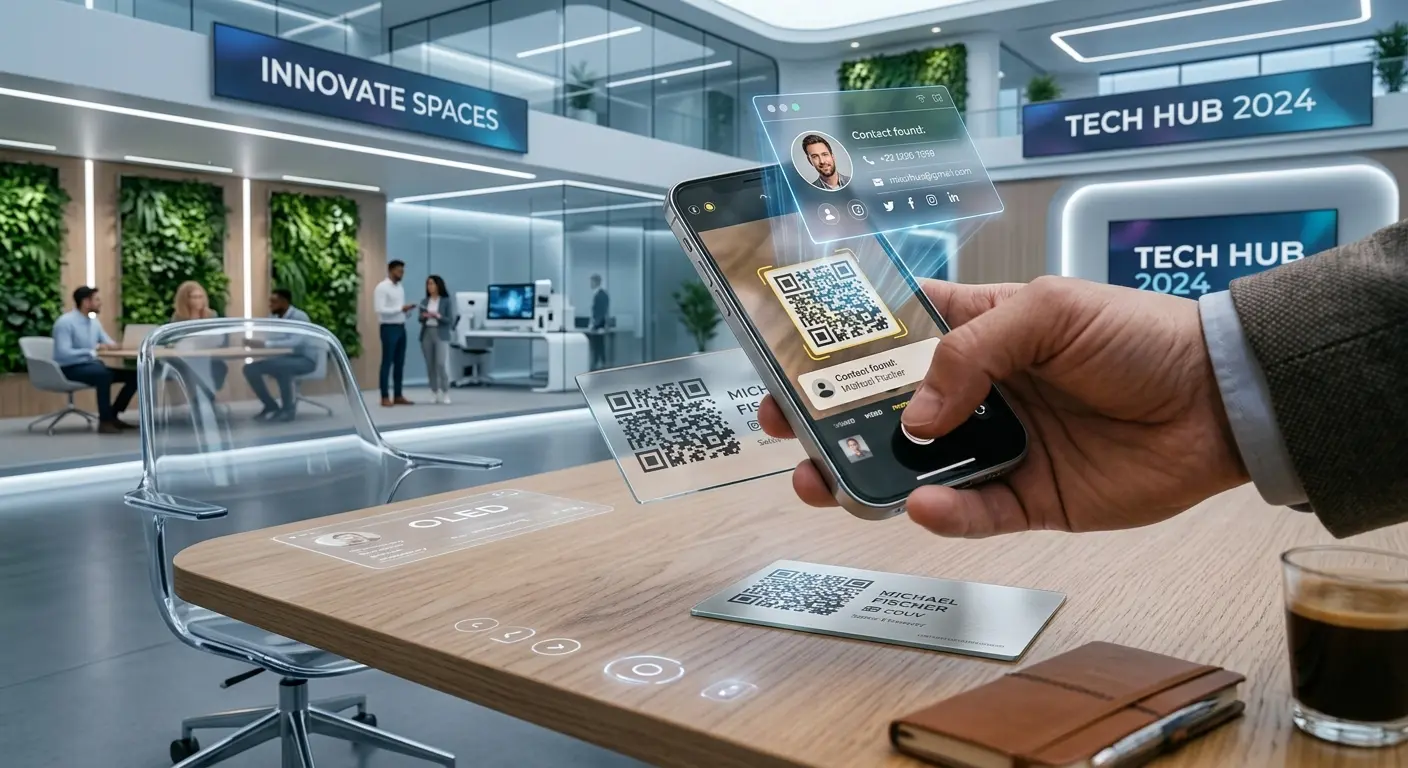

Your contact details go straight into the address book with one scan – no more typing.
Create one now, freeNo sign-up, no credit card.
A vCard QR code contains name, phone number, email, company and other contact details in the standard vCard format. When scanned, the smartphone immediately offers to save the contact – ideal alongside your printed business card or in your email signature.
Enter name, phone, email, company and address.
Colours and logo to match your corporate design.
Use it on business cards, name badges or in your email signature.
Exchange contacts in seconds, without paper cards.
Be instantly reachable at conferences.
Recipients save your contact with one click.
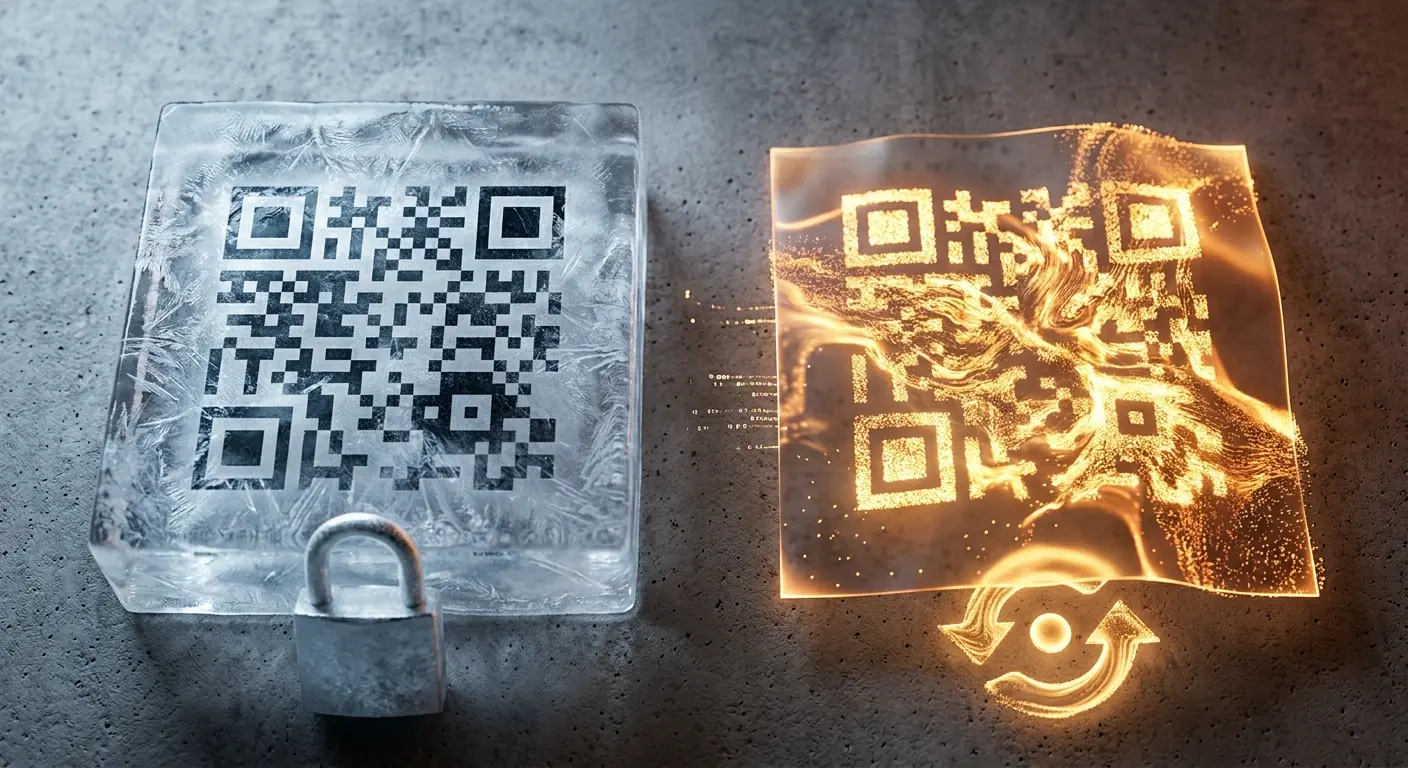
Static business card codes remain valid permanently – no costs, no sign-up.
If your phone number or position changes, create a dynamic code with a free account – the code printed on your business card stays valid unchanged.
Colours and logo to match your corporate identity – instead of a generic standard QR code.
Name, phone, email, company, position, address and website – everything a classic business card contains.
After scanning, the smartphone shows a preview and asks whether to save the contact.
Not with a static code. With a free account you can create a dynamic code whose content you can change at any time – the printed code stays the same.
The vCard itself does not support a photo, but you can place your company logo in the QR code design.
Yes, the code works regardless of the material – on paper, metal or plastic, as long as it is printed sharply.
After a networking event, there’s often a small stack of business cards on your desk. With every new card that’s added, …
Do you want to create a QR code but aren’t sure whether you need a static or a dynamic one? In this article, you’ll lear…
If you use QR codes on flyers, business cards, posters, or packaging, you expect them to scan instantly and provide a se…
Created in under a minute — right in your browser.